Install BepInEx and the Ungodly mods for Reignfall
From a stock copy of Reignfall to four working mods: BepInEx 5.4.23.5 (x86) first, then the Ungodly Reignfall Suite and Ungodly Reignfall MapGen, then a check that every piece loaded. Every file name, size and hash in this guide was checked against the real downloads.
What you will have when you are done
| Mod | Version | Key | What it changes |
|---|---|---|---|
| Ungodly Reignfall MapGen | 1.0.0 | F6 | Bigger maps (up to 3× per side), four terrain styles with rivers, neutral camps and resources that scale with the land, and seeds that rebuild the same map. |
| Ungodly Smart Wave Spawner | 1.1.0 | F7 | Builds each invasion from a threat budget, picks spawn points and attack fronts more intelligently, and adds reinforcements and an optional adaptive difficulty director. |
| Ungodly Living Economy | 1.1.1 | F8 | Turns Reignfall’s resource counters into an economy: moving prices, population needs and mood, wages, taxes, storage and spoilage, caravans and economic events. |
| Ungodly Reignfall AI | 1.0.4 | F9 | Smarter pathfinding, formations, squad tactics, morale, siege and tower targeting, with a hard rule that no unit ever teleports. |
The Wave Spawner, Living Economy and AI mods come together in the Ungodly Reignfall Suite v1.5 archive; MapGen has an archive of its own. All four run on BepInEx 5, a free, open-source mod loader for Unity games that you install once.
Before you start
- Reignfall from Steam. Steam sells the Windows version only, and that is the one these mods are for. They were built and tested against Reignfall v1.043, the number at the bottom left of the main menu.
- About 1 MB of downloads: BepInEx (624 KB) from its official GitHub page, plus the two mod archives (279 KB and 93 KB) from this site or my Google Drive mirrors.
- Something that opens .rar files. 7-Zip (free) or WinRAR work on any Windows. File Explorer opens them by itself on Windows 11 version 22H2 or later.
- Reignfall closed while you install, and about ten minutes.
- On Steam Deck or Linux? Everything here applies, plus one Steam launch option: see Steam Deck and Linux.
The route
- Download BepInEx 5.4.23.5 (x86) and the two mod archives.
- Install BepInEx into the Reignfall folder, then launch the game once so BepInEx builds its folders.
- Install the mods by copying four folders into
BepInEx\plugins. - Check the install against screenshots of a working setup and the BepInEx log.
- Open each mod’s window with F6 to F9 and tune it to taste.
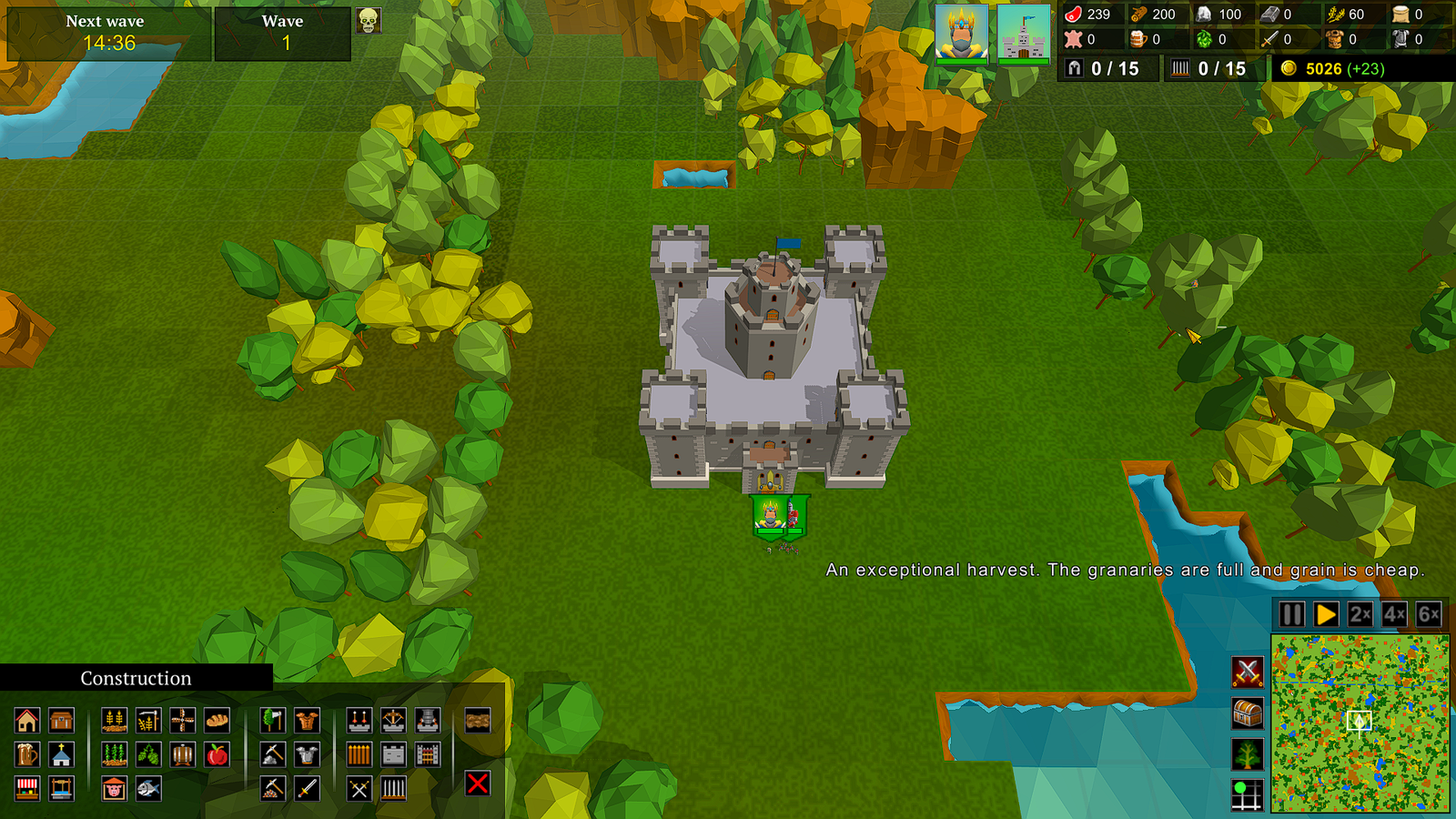 (opens the original 1920 × 1080 screenshot)
Already have BepInEx in Reignfall?
Check its version: in your Reignfall folder open BepInEx\core, right-click BepInEx.dll, choose Properties, then the Details tab. File version should read 5.4.23.5.
- If it does, go straight to Install the mods.
- If it is an older 5.4 version, extract the 5.4.23.5 x86 zip over it, as in step 6 of Install BepInEx. Your plugins and settings stay where they are.
- If it is 6.0 or newer, that is a different loader with a different plugin format. These mods need BepInEx 5.